
One Restaurant, Five Different Menus: Is Managing Them Becoming a Full-Time Job?
By Ciandra Smit ·
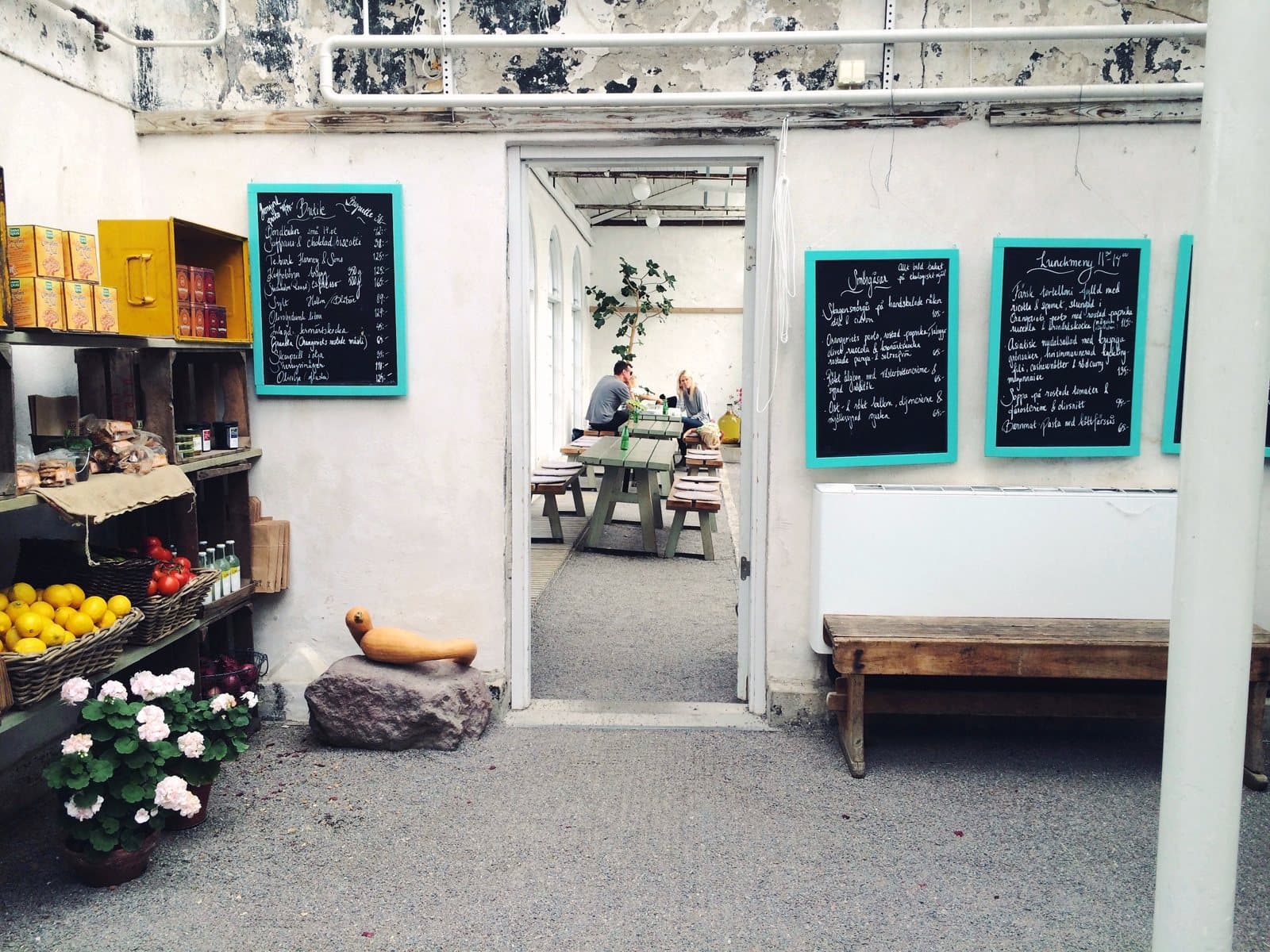
If you run a restaurant, café, or hotel, you'll know that the menu is rarely just one document.
You might have a breakfast menu, a lunch menu, a dinner menu, a drinks menu, and a separate list of specials. If you operate a hotel, you could have all of those, plus a room-service menu, a poolside menu, or even a menu for your bar.
At first, managing all of them might not seem like a big deal. You create the menus, get them printed, and hand them over to your staff.
But what happens when something changes?
A supplier increases the price of an ingredient. You decide to remove a dish. The chef introduces a new special. Suddenly, that one small change needs to be reflected across several different menus.
And that's where things can get unnecessarily complicated.
The problem with having menus everywhere
One of the biggest challenges for hospitality businesses is keeping information consistent.
Imagine a hotel that has a restaurant menu, a room-service menu, and a separate drinks menu available at the bar. The restaurant changes its prices, but the room-service menu still shows the old ones.
Now staff have to explain the difference to guests.
Or consider a café that introduces a new range of seasonal drinks. The menu displayed at the counter gets updated, but the printed copies on the tables still show the previous selection.
These situations happen because menus are often managed separately rather than as part of one organised process.
It isn't necessarily poor management. It's simply easy for things to get overlooked when there are so many other responsibilities competing for attention.
Small changes can turn into big jobs
Let's say you want to change the price of five dishes.
With traditional menus, the process might involve finding the original design, making the changes, checking everything again, sending the file to a printer, waiting for the new copies, and replacing the old menus.
If you have multiple menus or locations, the process becomes even longer.
And what if you spot a mistake after everything has been printed?
You either live with it or start the process again.
It's a frustrating amount of work for something that should be relatively simple. (We looked at what that delay really costs in The Hidden Cost of "We'll Update the Menu Tomorrow".)
This is particularly difficult for independent restaurants and cafés, where the owner is often involved in almost every aspect of daily operations.
Nobody wants to spend their evening checking menu layouts when they could be planning the next promotion or focusing on customers.
Seasonal menus should be exciting, not stressful
Seasonal menus are a great way to keep customers interested.
A café might introduce iced drinks for summer, while a restaurant could create a special autumn menu using seasonal ingredients. Hotels may also adjust their food and beverage offerings depending on the time of year or the guests they're welcoming.
The problem is that seasonal changes often require additional menu work.
You need to decide which dishes to introduce, update descriptions, adjust prices, and make sure customers can actually see what's new.
If the process is too time-consuming, businesses sometimes avoid experimenting with their menus altogether.
That's a shame because seasonal offers can give regular customers a reason to return and encourage new visitors to try something different.
Having a simpler way to manage menu changes makes it easier to introduce new ideas without creating unnecessary administrative work.
Different locations bring different challenges
For businesses with more than one location, menu management becomes even more important.
A restaurant group might have three branches, each with slightly different offerings. One location may have access to certain ingredients, while another operates with a slightly different menu.
There may also be shared dishes, common promotions, or standard pricing that needs to remain consistent.
Keeping track of everything through separate files and printed documents can become difficult.
Management needs to know which version is current, which changes have been made, and whether every location is displaying the correct information.
The more locations you operate, the more valuable an organised menu management process becomes.
Your staff shouldn't be the ones fixing menu problems
Staff members are often left dealing with the consequences of outdated menus.
A customer orders something that is no longer available. Someone questions a price. Another guest asks whether a special is still running.
Your employees then have to explain the situation, apologise, and suggest alternatives.
Once or twice isn't a disaster. But when these problems happen regularly, they interrupt service and create unnecessary pressure.
A reliable menu helps everyone.
Customers can make decisions with confidence, while employees can spend more time providing good service instead of correcting information. (Clear descriptions help here too; see why customers change their mind before ordering.)
For hotel management, this is especially important. Guests may interact with different departments during their stay, and inconsistent information can make the entire experience feel less organised.
Why digital menu management makes sense
Digital menus aren't just about replacing paper with a QR code.
One of their biggest advantages is the flexibility they give business owners.
Instead of treating every menu update as a separate printing project, businesses can use a digital system to manage their menu information more conveniently.
Need to change a price? Update it.
Want to remove a dish that is temporarily unavailable? Make the change.
Introducing a new dessert or seasonal promotion? Add it to the relevant menu.
The ability to make changes without repeatedly redesigning and printing menus can save time and make daily operations easier.
It also gives businesses more freedom to experiment.
You can test new dishes, introduce limited-time specials, and make adjustments as your customers' preferences change.
Of course, a digital menu still needs to be organised and maintained properly. Technology doesn't make good menu planning unnecessary. It simply makes the administrative side easier to manage.
Start thinking about your menus as one system
If your business currently has several menus, it might be worth taking a step back and looking at how they're managed.
Are you keeping multiple versions of the same document?
Do you regularly discover outdated prices after menus have already been printed?
Does your team have to communicate changes manually?
Are you avoiding small menu improvements because updating everything takes too much time?
If you've answered yes to any of these questions, your current process may be making more work for you than necessary.
You don't need to change everything overnight. Start by identifying the menus that require the most attention and consider how you could simplify the process.
Spend less time managing menus and more time running your business
Hospitality is already a demanding industry. Between customers, employees, suppliers, stock, and daily operations, there are enough things requiring your attention.
Managing five different menus shouldn't become another full-time responsibility.
That's where Restocarte comes in.
Restocarte is designed to help restaurants, cafés, and hotels manage their digital menus through a more convenient system. Whether you're handling a breakfast menu, introducing seasonal specials, updating prices, or managing different dining options, the aim is to make the process simpler. Prices, descriptions and photos can be updated in seconds, and guests open the menu by scanning a QR code or tapping an NFC tag at the table. You can try it free for 30 days.
Your menus should change when your business needs them to, not only when you finally have time to organise another print run.
After all, you're in the hospitality business because you want to create great experiences for your customers. Spending less time dealing with outdated menus is a good place to start.